Installation
1. Allow remote control in Kodi
Elementum talks to Kodi through its remote control interface (to update the library, add the repository and more).
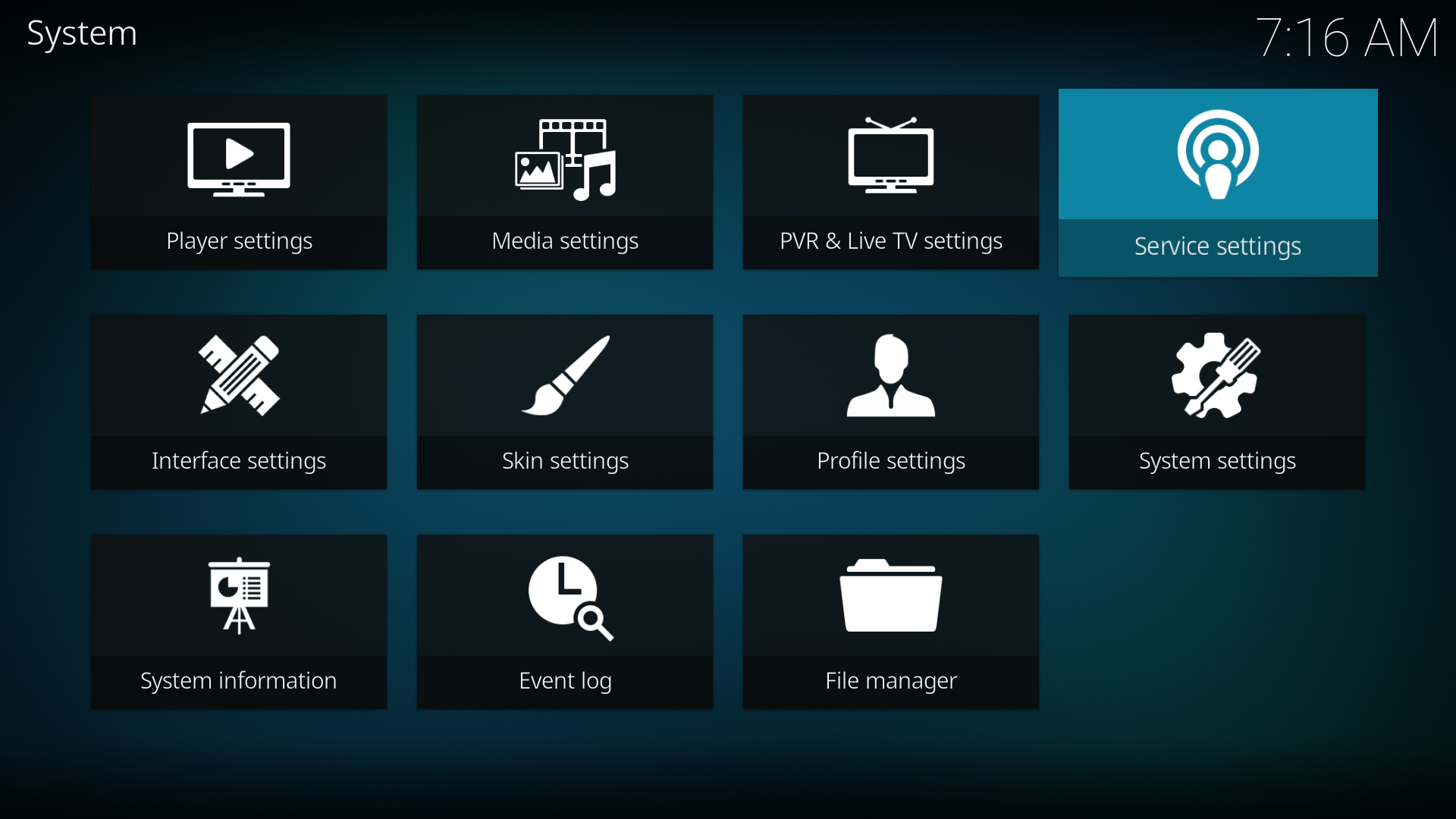
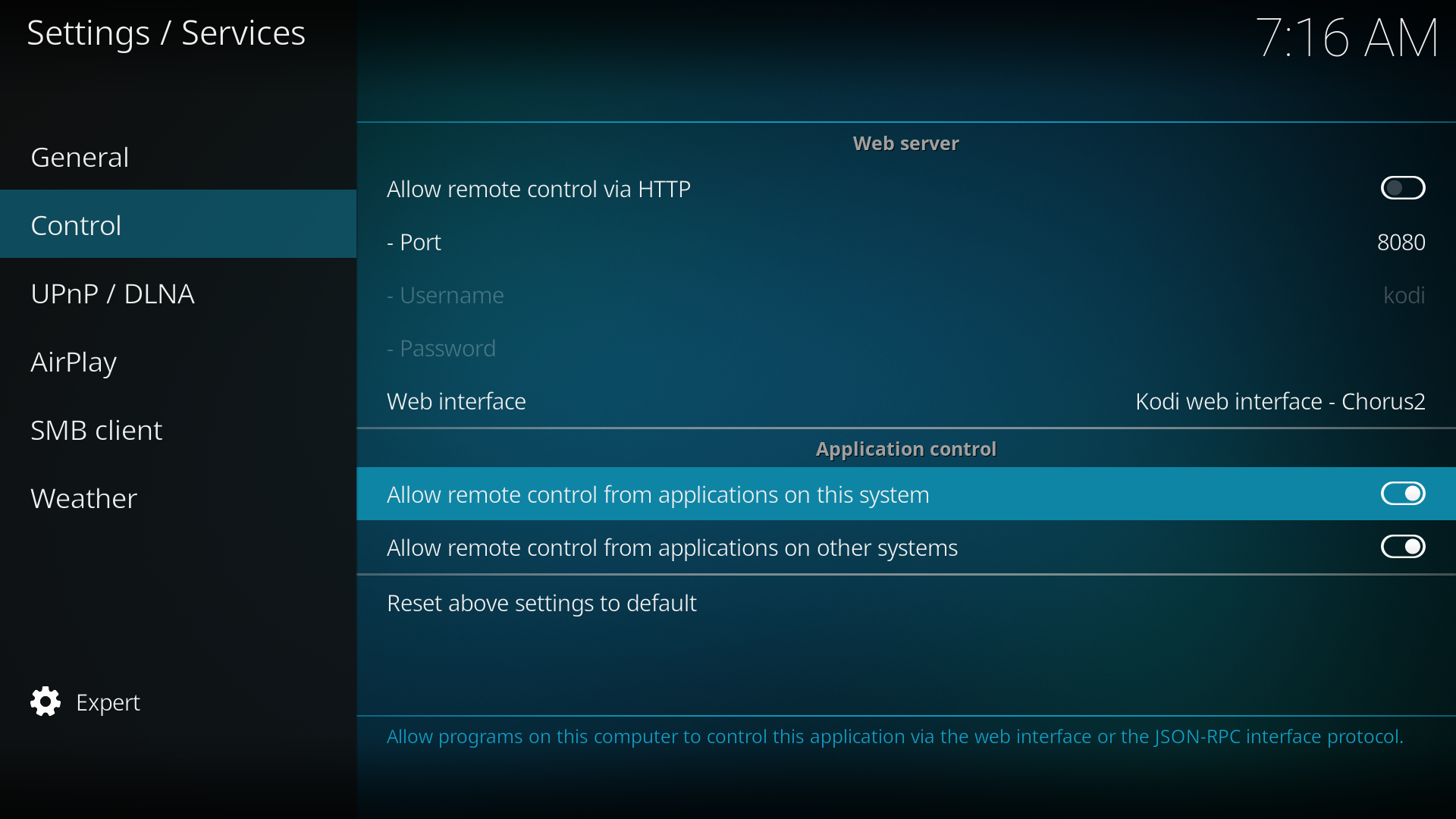
Open Settings → Services → Control and enable both Application control options.
Note
If one of the options was off, restart Kodi after enabling it.
2. Install the repository
Download the ElementumOrg repository zip from Downloads, then in Kodi open Add-ons → Install from zip file and choose the downloaded file.
The repository works on any platform and keeps Elementum, Burst and Context up to date.
3. Install the add-ons
Open Add-ons → Install from repository → ElementumOrg repository and install:
- Elementum (Video add-ons): the add-on itself.
- Elementum Burst (Program add-ons): searches torrent providers. Without it Elementum finds nothing.
- Elementum Context (Context menus, optional): adds “Elementum” items to the context menu of your Kodi library.
You can also install the Elementum zip from Downloads directly. Use the all-in-one zip, it works on every platform.
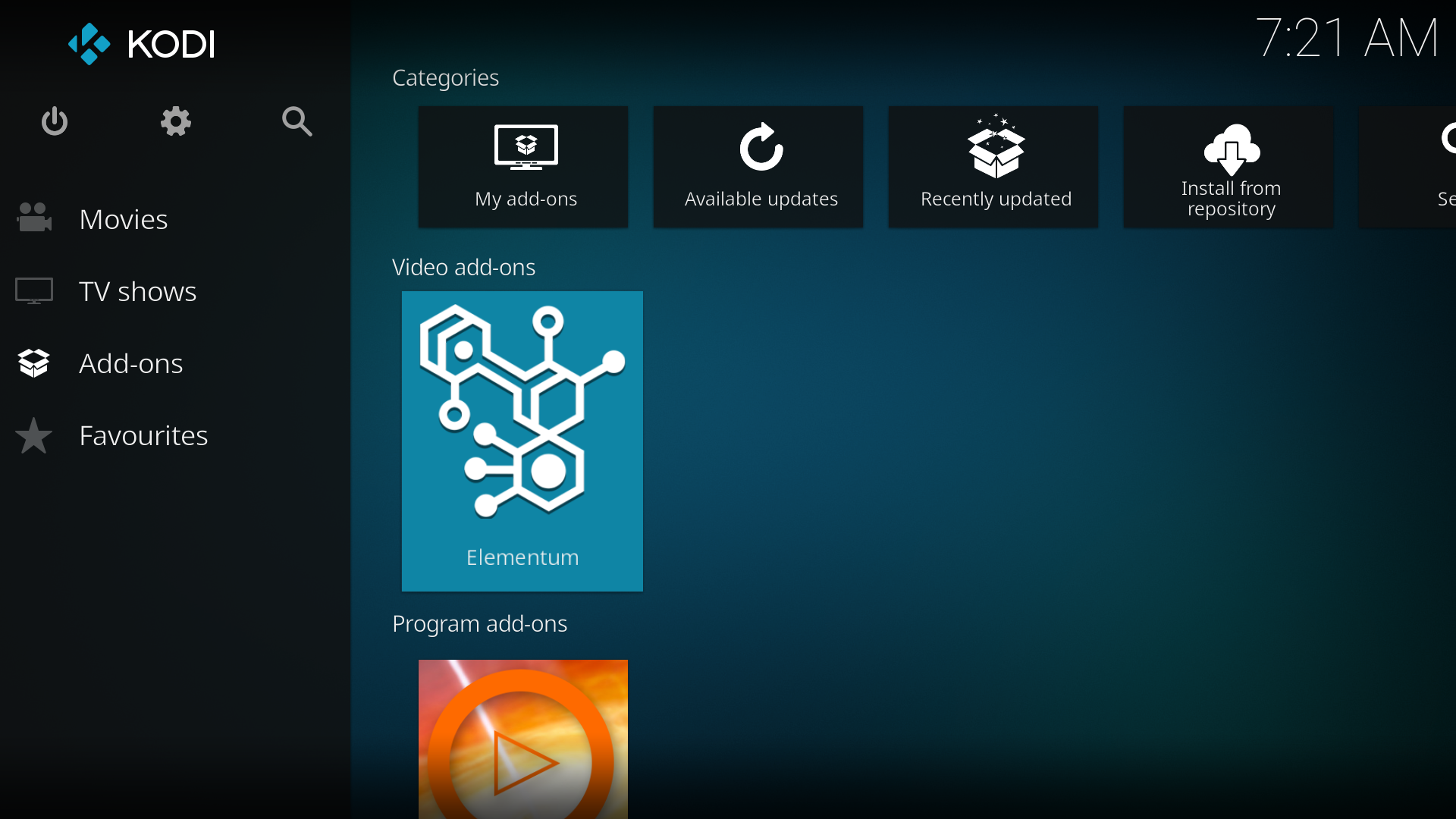
Elementum is now in Add-ons → Video add-ons: